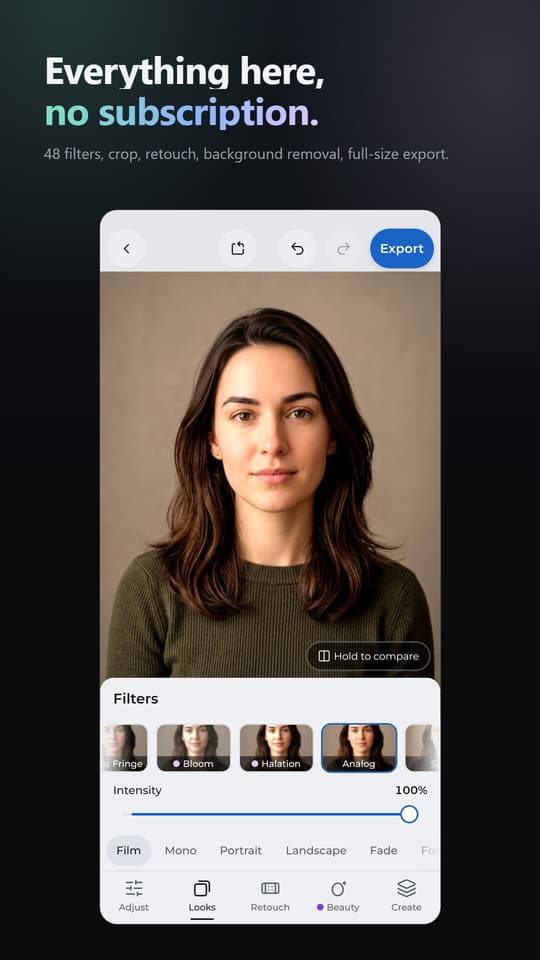
Everything here, no subscription.
48 filters, crop, retouch, background removal, full-size export.
Fullframe: Photo Editor
Filters, retouch, makeup, reshape and AI tools.
Fullframe is a photo editor for Android. Open a photo, pick a look, retouch, reshape, add makeup, and export at full resolution with no watermark.
Google Play
48 filters, crop, retouch, background removal, full-size export.
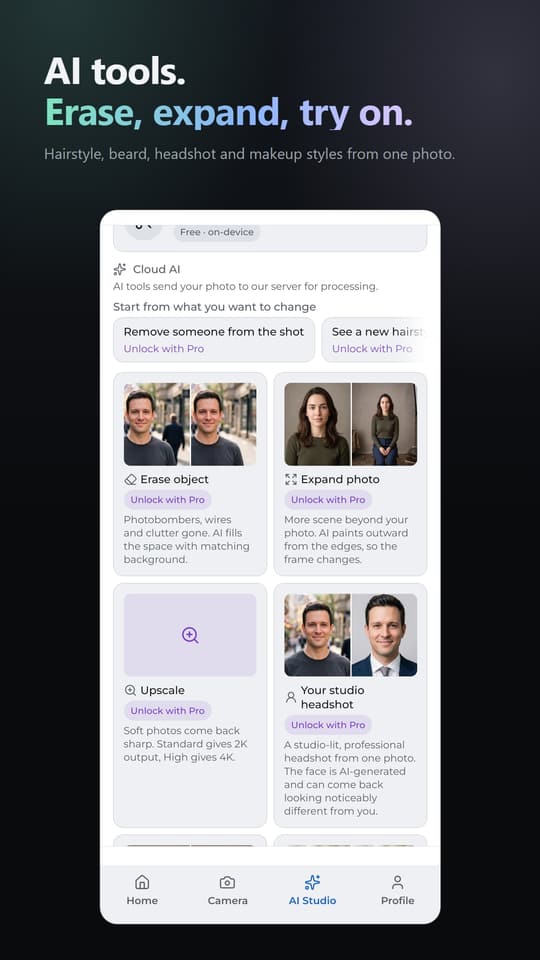
Hairstyle, beard, headshot and makeup styles from one photo.
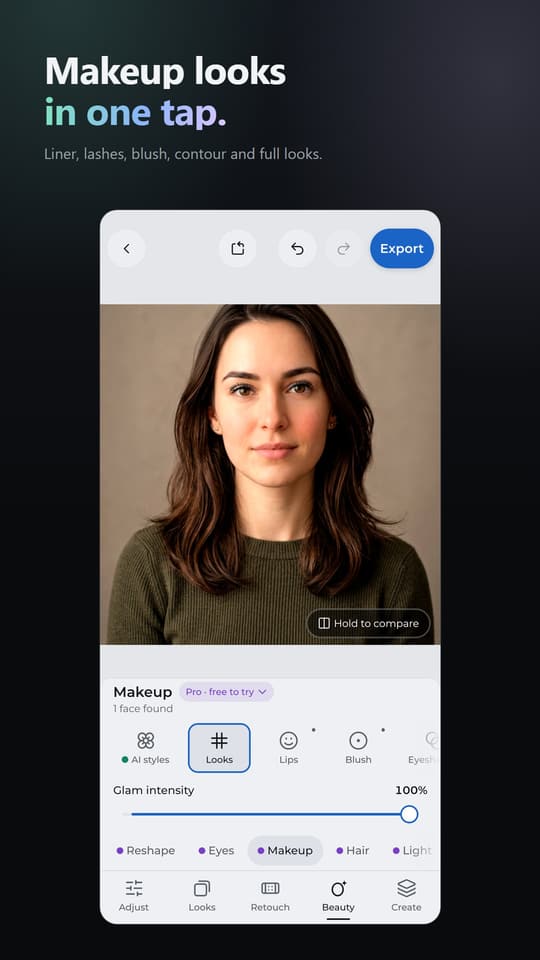
Liner, lashes, blush, contour and full looks.
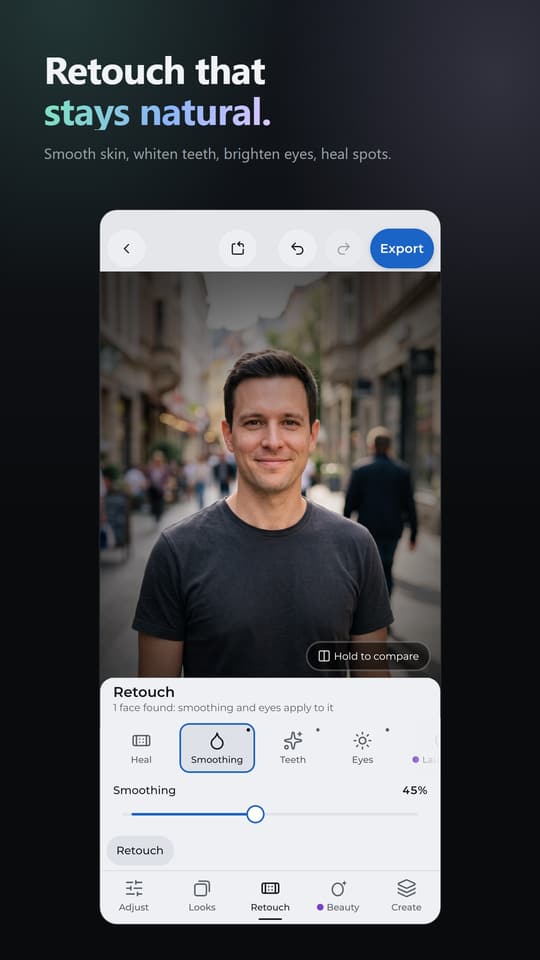
Smooth skin, whiten teeth, brighten eyes, heal spots.
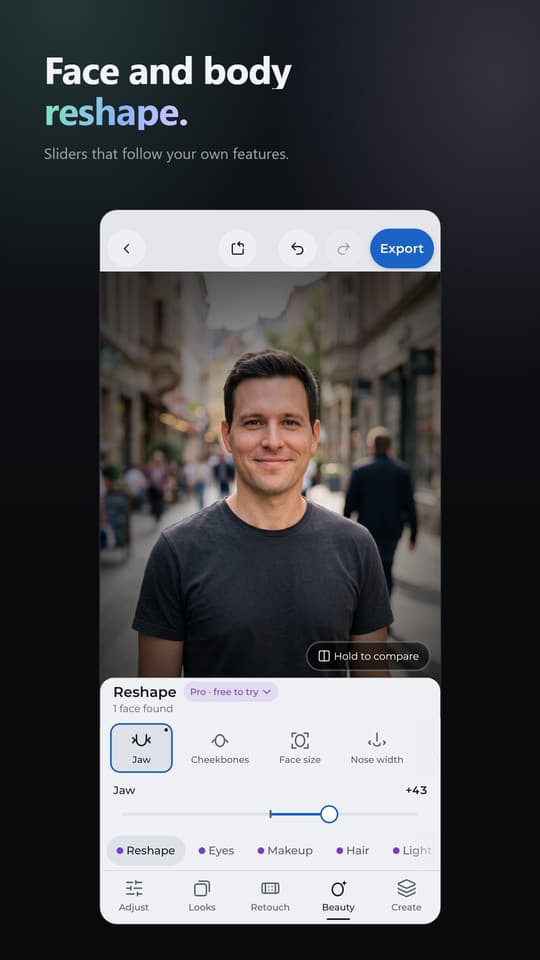
Sliders that follow your own features.
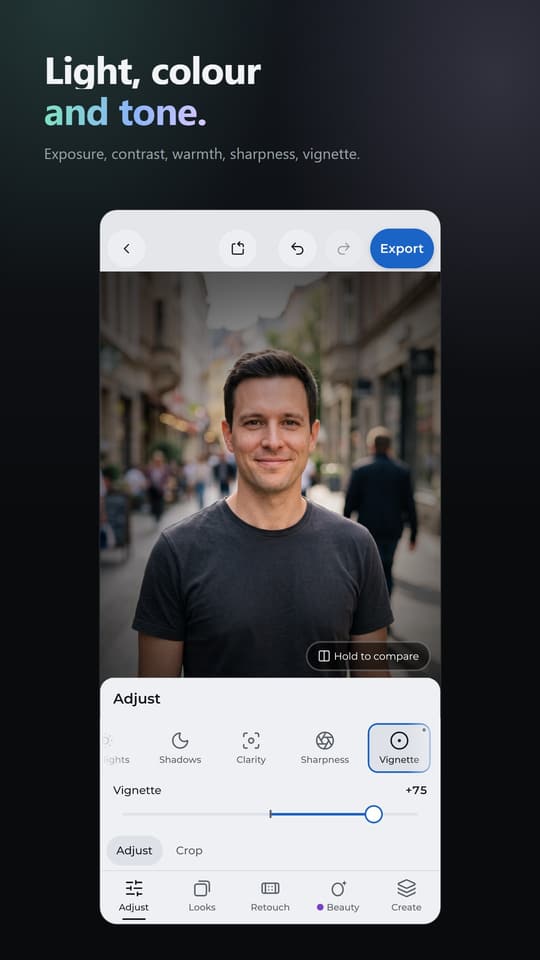
Exposure, contrast, warmth, sharpness, vignette.
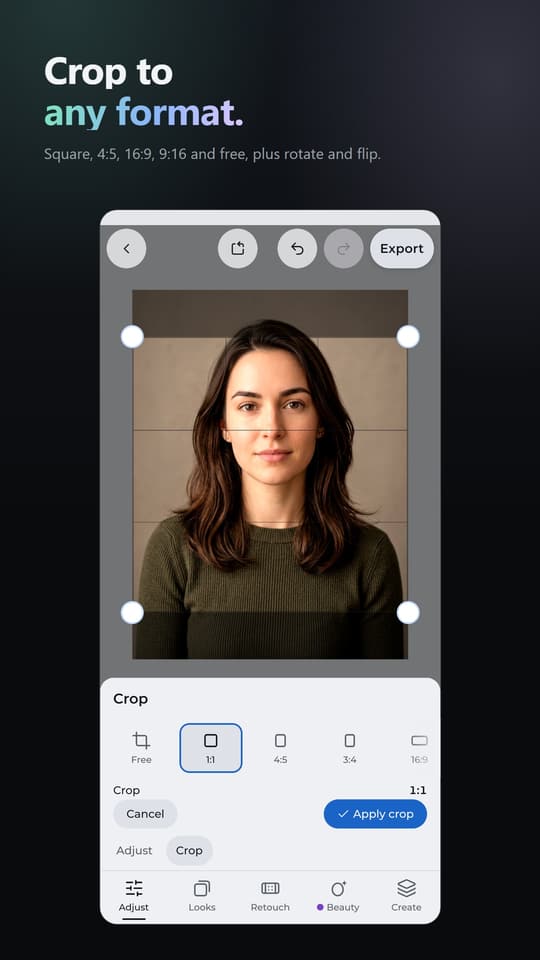
Square, 4:5, 16:9, 9:16 and free, plus rotate and flip.
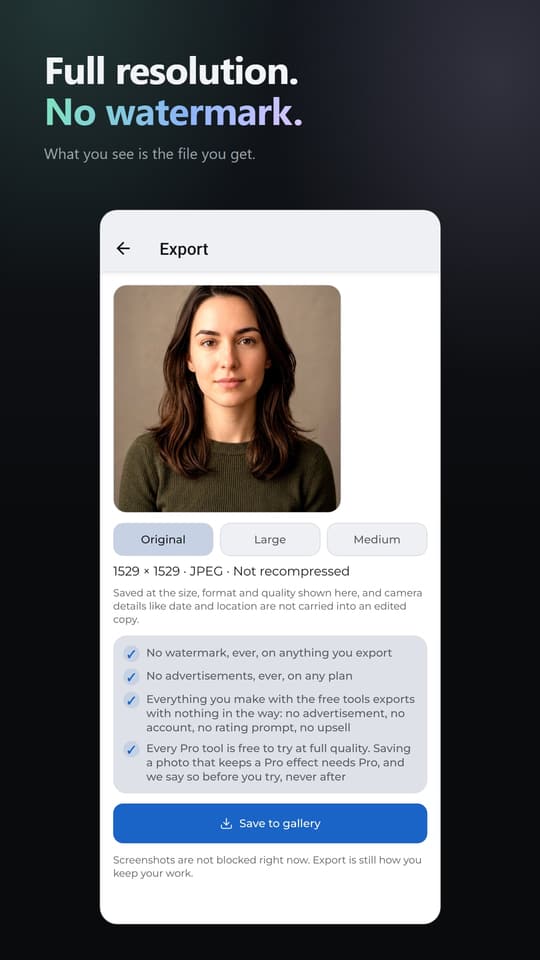
What you see is the file you get.
48 filters included, each with an intensity slider. Exposure, contrast, saturation, warmth, tint, sharpness and vignette with a live preview and hold to compare. Crop with aspect presets, rotate and flip. One-tap auto enhance.
Skin smoothing, teeth whitening, eye brightening and spot healing, applied to the face the app finds, not the whole photo.
Background removal that runs on your phone. Text, stickers and collage.
Your photo at its full resolution, never watermarked, saved to your gallery. The free tools above work offline, need no account, show no ads, and stay free: nothing that is free today will move behind a paywall.
Face and body reshape with sliders that follow your own features. Eye tools, advanced skin tools, makeup with one-tap looks, hair colour that follows the shape of your hair, face light and saved looks. The full filter library of 204 looks, 156 more than the 48 in Free. Everything in Pro runs on your phone, and you can try every Pro tool at full quality before you subscribe. Saving a photo that keeps a Pro effect needs Pro.
Pro includes a one-time gift of 40 AI tokens, granted once when you subscribe. They do not renew each month.
Erase objects and passers-by, expand a photo beyond its edges, upscale to 2K or 4K, make a studio headshot, try on a hairstyle or a beard, and apply a makeup style. AI tools open with Pro. A run costs 6, 10 or 15 AI tokens depending on the output size, shown before you run it. Pro AI+ includes 200 AI tokens every month and Pro AI Max includes 1000. AI tokens come with a subscription and are not sold separately.
An AI operation sends your photo to our server for processing, and nothing else in the app does. Our AI provider's paid-tier terms state that data sent through their API is not used to train their models.
Pro comes with a 3-day free trial of every on-device Pro tool. It charges automatically when the trial ends. The app shows the price, the charge date and how to cancel in Google Play before the trial starts. The 40 AI tokens arrive when you buy, not when the trial starts. Prices are shown in Google Play in your currency.
Three themes: dark, balanced and light.
Fullframe is made by Appy Nation. Support: ticketappynation@outlook.com
Crop, colour and light, 48 filters, retouch, background removal, text, stickers, collages and full-quality export. No watermark and no ads, on any plan.
Face and body reshape, makeup, hair colour, face light, saved looks and 156 more filters.
An AI operation sends your photo to our server for processing, and nothing else in the app does. Our AI provider's paid-tier terms state that data sent through their API is not used to train their models. Everything else in Fullframe runs on your phone and works offline.
An AI edit costs 6, 10 or 15 AI tokens, depending on the output size you pick. You always see the price before it runs. Pro AI+ includes 200 AI tokens every month and Pro AI Max includes 1000. AI tokens are never sold separately.
You see the price before the 3-day trial starts. When it ends, you're charged automatically unless you cancel in Google Play first. Profile shows the exact charge date while the trial runs. AI tools aren't part of the trial.
Open the Google Play Store app, tap your profile picture, then Payments & subscriptions > Subscriptions. Choose Fullframe and tap Cancel subscription. Uninstalling the app doesn't cancel it. Your plan stays on until the end of the period you paid for, and free editing never goes away.
No account needed. Your plan belongs to the Google Play account you subscribed with. On a new phone, sign in with that account, open Profile and tap Restore purchases.
Export saves a new copy to your gallery, with a name that starts with "Fullframe". Your original photo is never changed.